Smart flashcards for curious kids
Flashcard learning that feels like play.
KidWiz is a kids flashcard app for toddlers, preschoolers, and early learners, with read-aloud prompts, picture mode, progress stars, offline practice, and custom decks parents can build in minutes.
- Read Aloud
- Picture Mode
- Progress Stars
- Custom Decks
Cards
Built-in learning packs
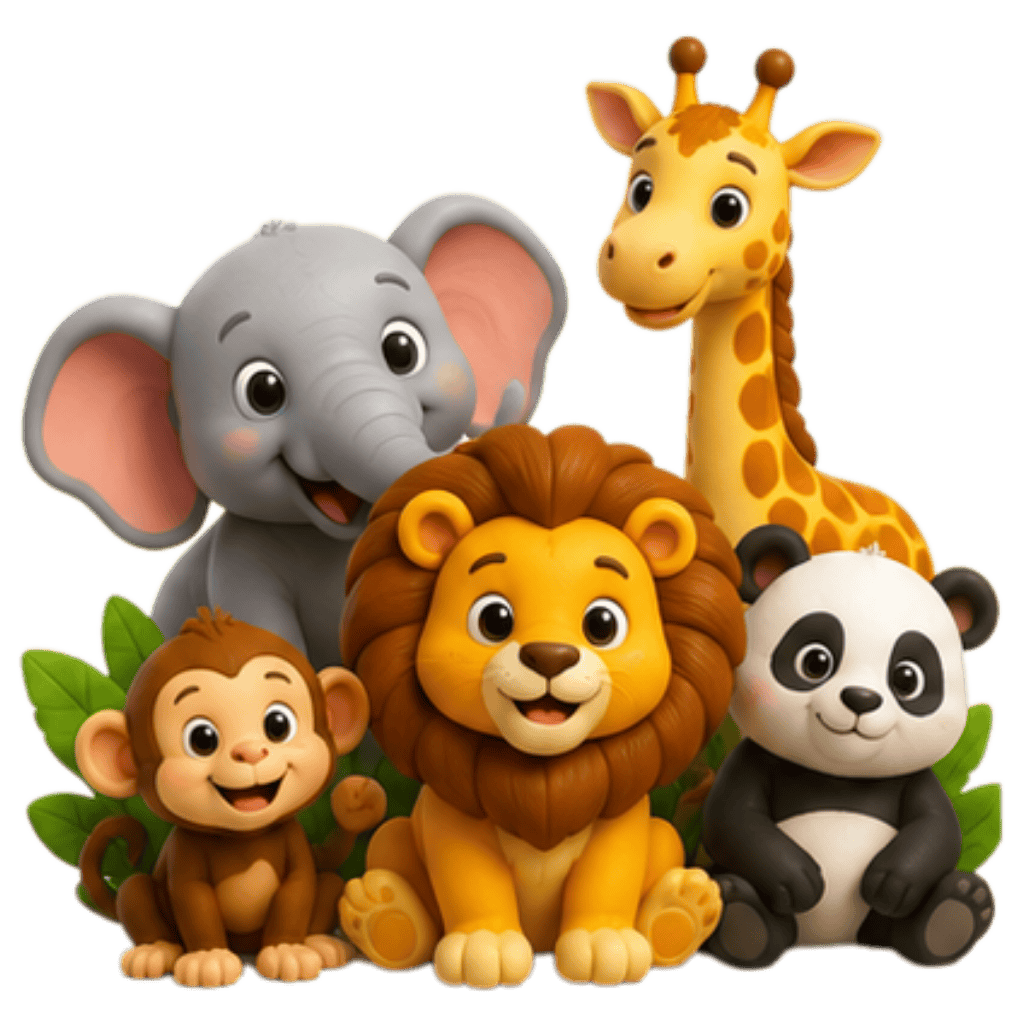
Animal flash cards, numbers, colours, shapes and more
Flow
Kid-friendly flow
Flip, listen, answer, and keep going
Safe
Parent control
Create custom categories for your child
What Kids Can Learn
Bright categories that invite kids in immediately.
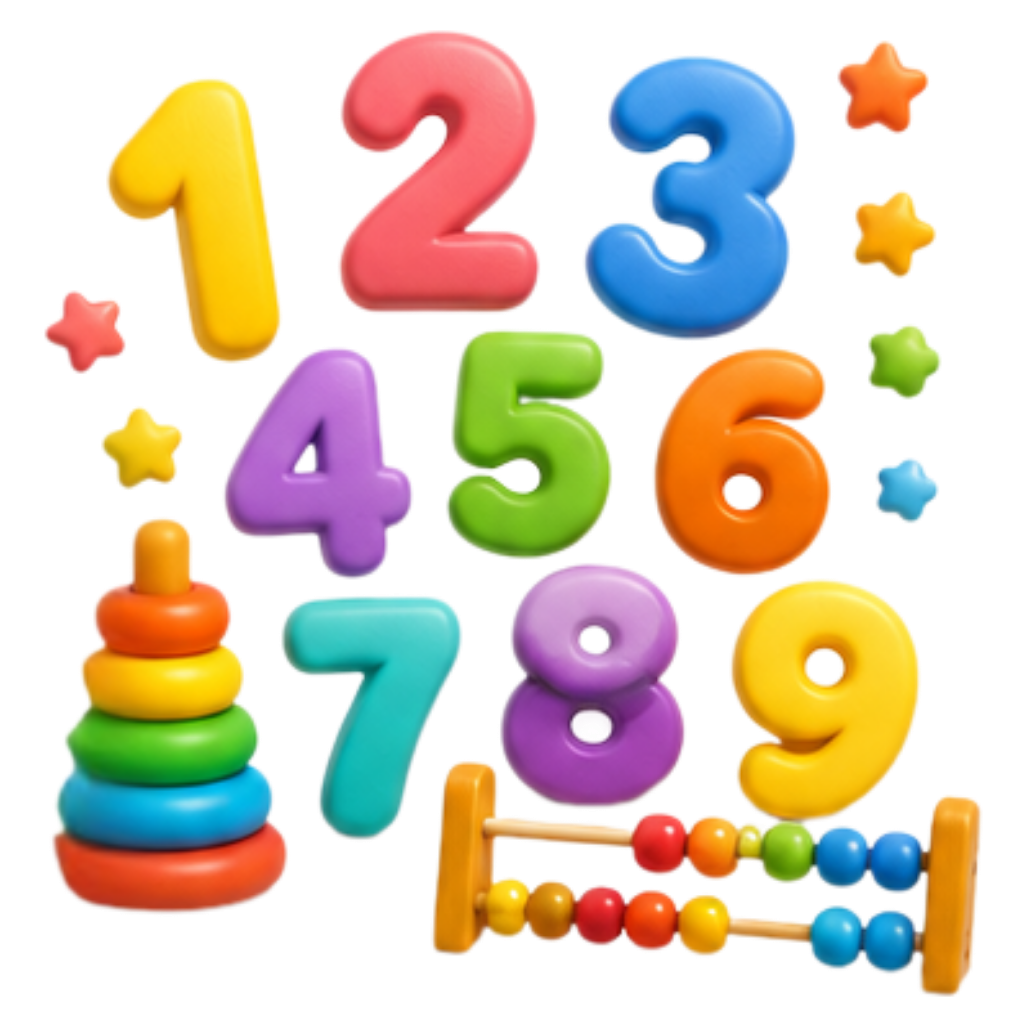
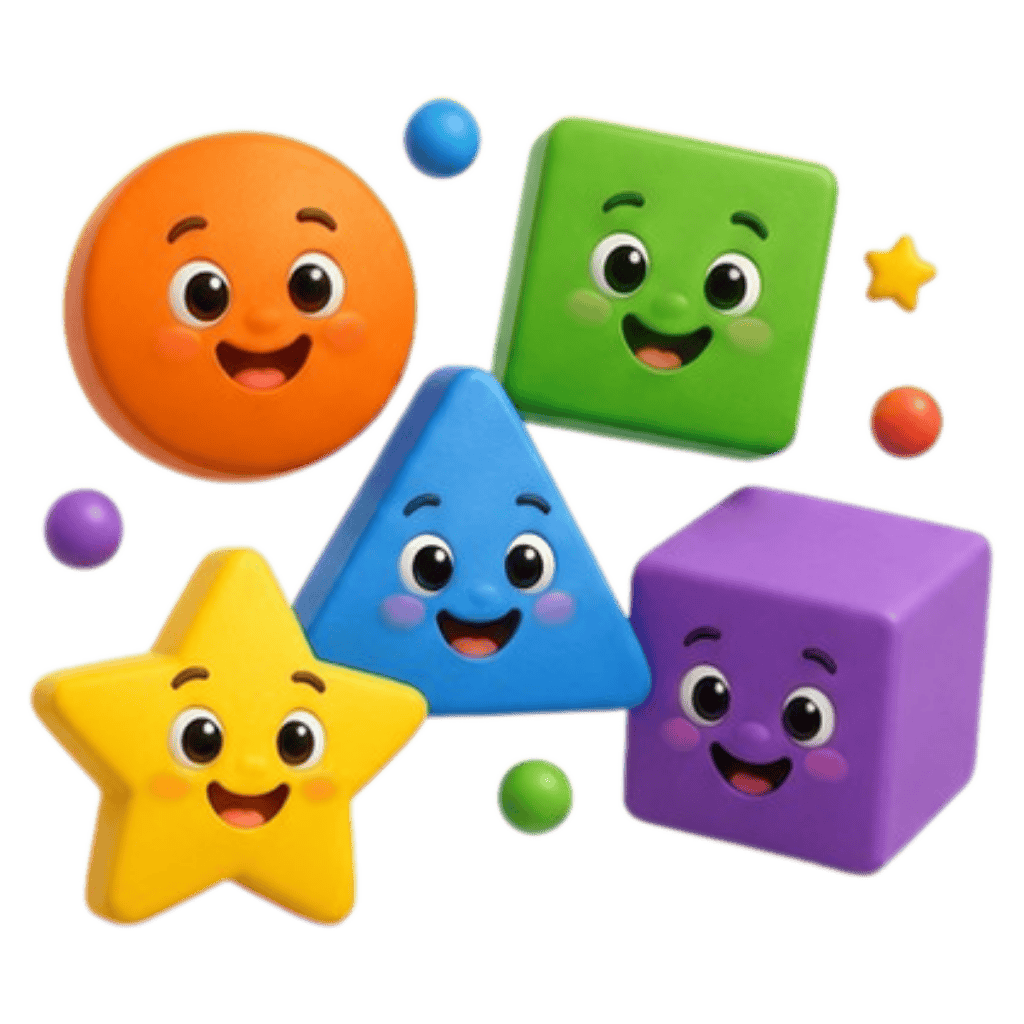
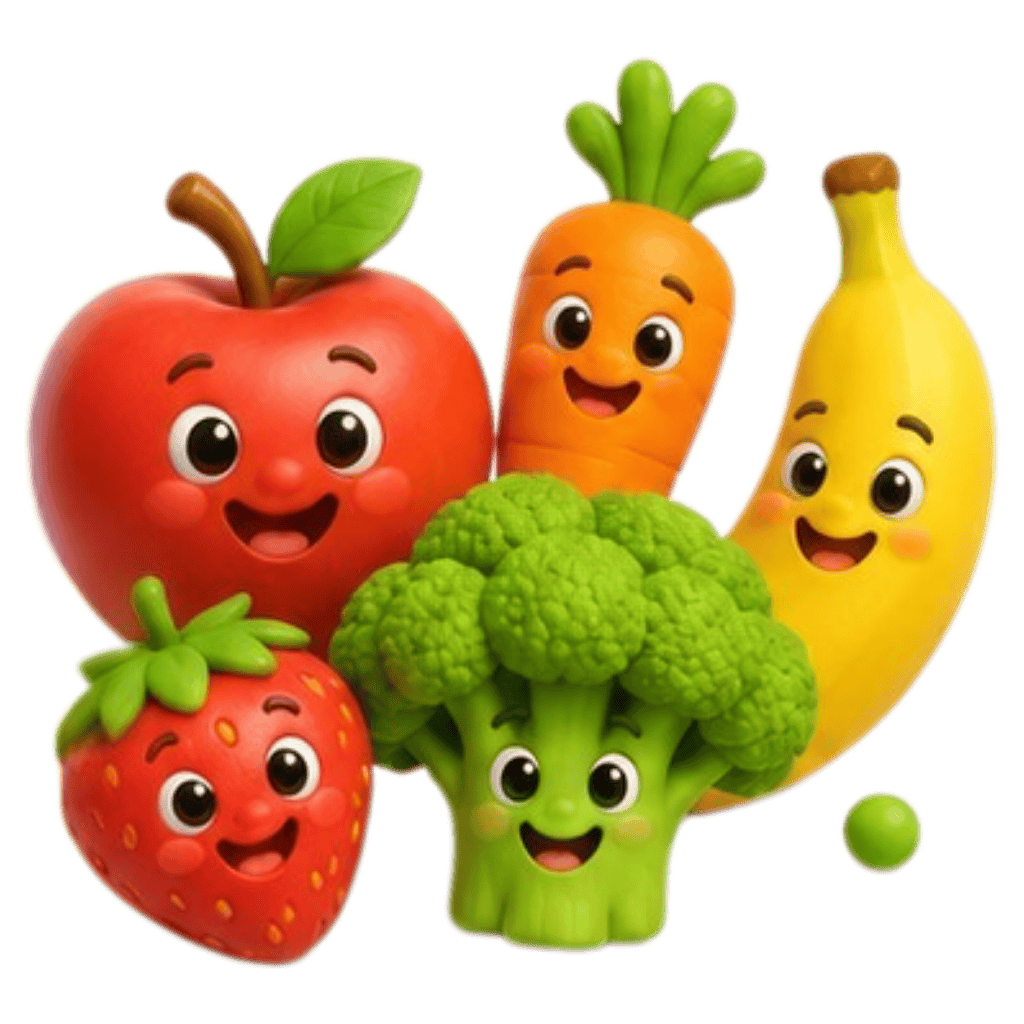
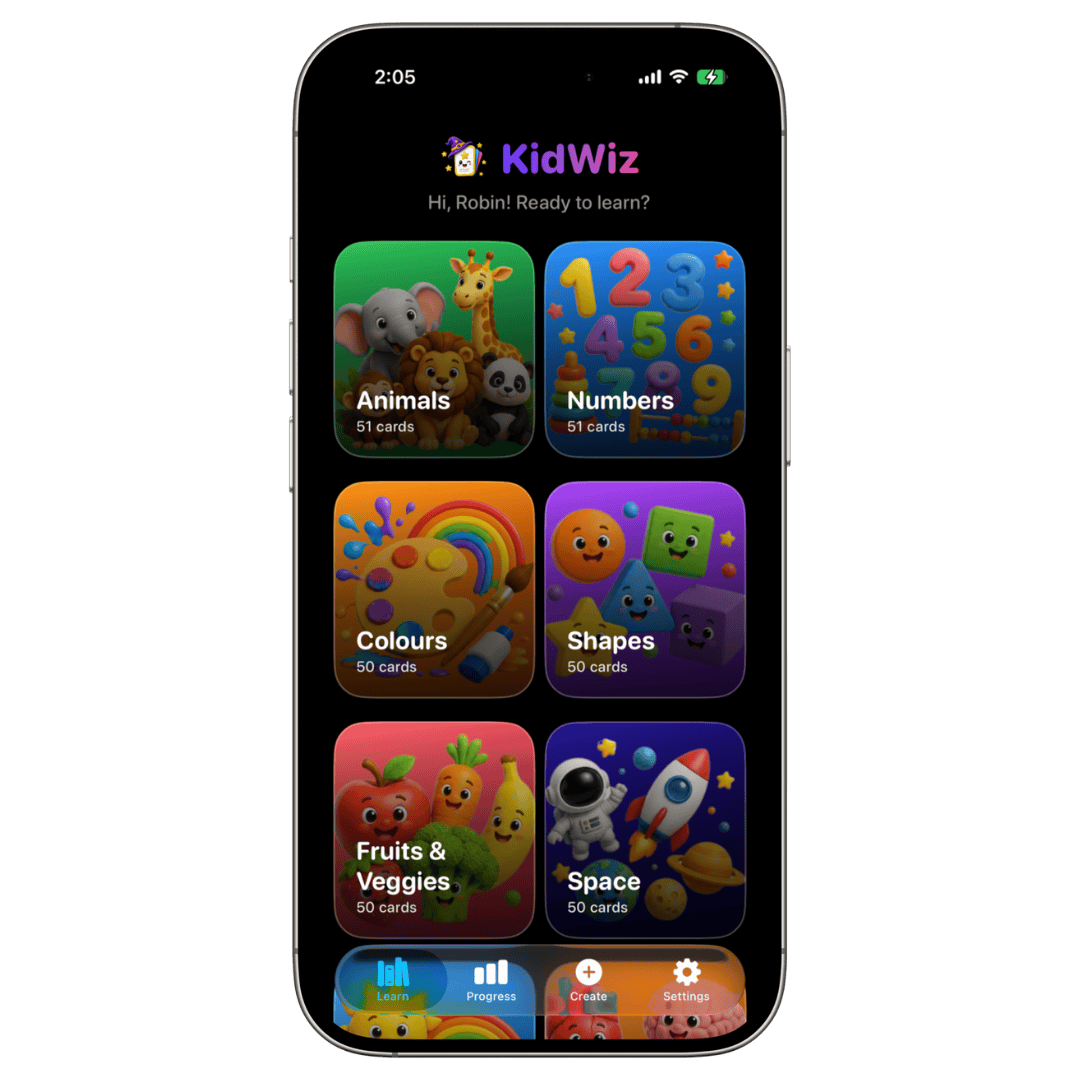
The app starts with polished visual packs, so children can tap into flash cards for animals, numbers, colours, shapes, food, and space while learning through repetition, sound, and pictures.

Why It Works
Simple interactions, strong repetition, and clear rewards.
Learn
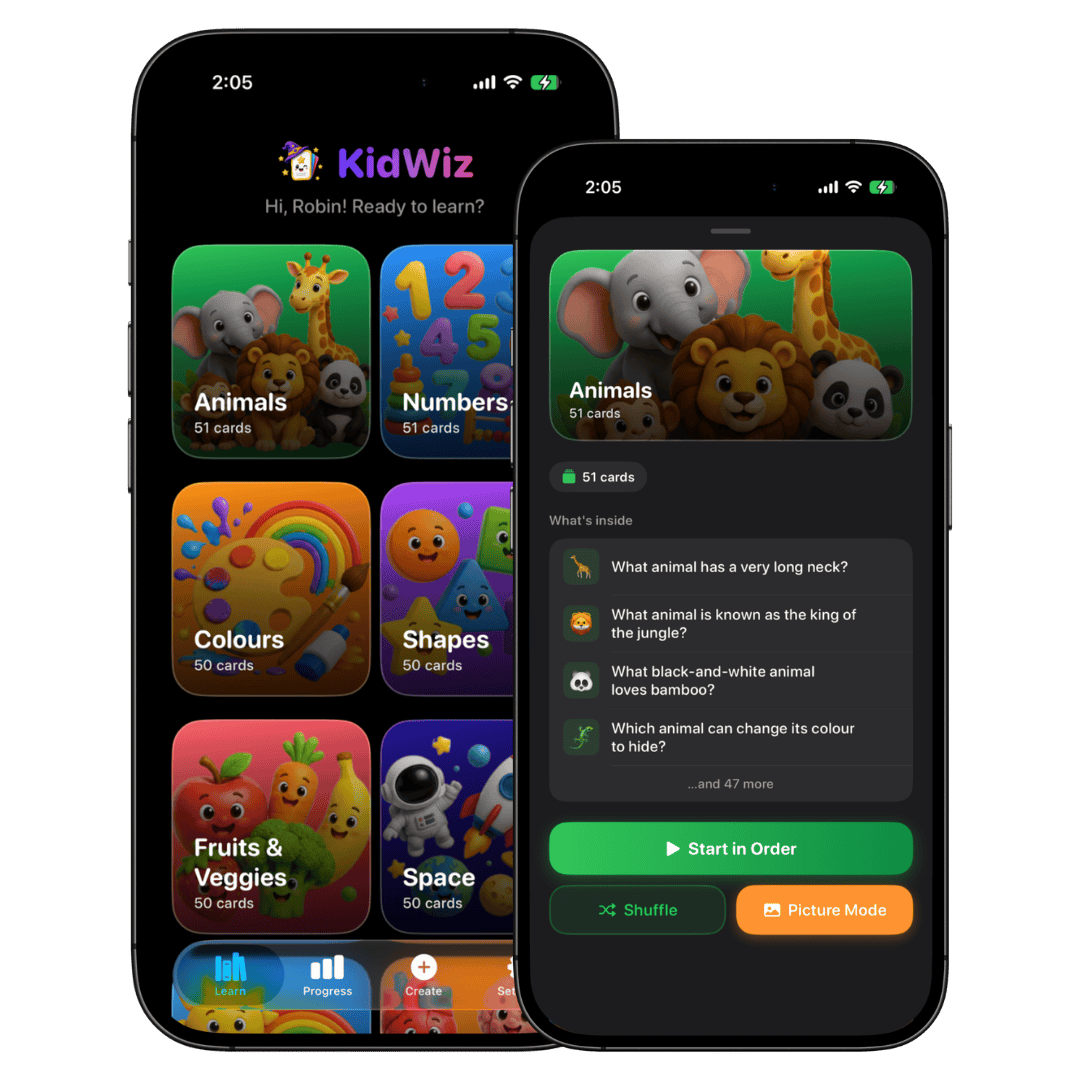
Start with a clean, colorful category browser.
Kids can jump into topics like animals, numbers, colours, shapes, fruits, and space without feeling lost. KidWiz keeps the flashcard path simple and visual from the first tap.
- Familiar topics for early learning
- Visual card-based browsing
- Fast jump into a deck
Create
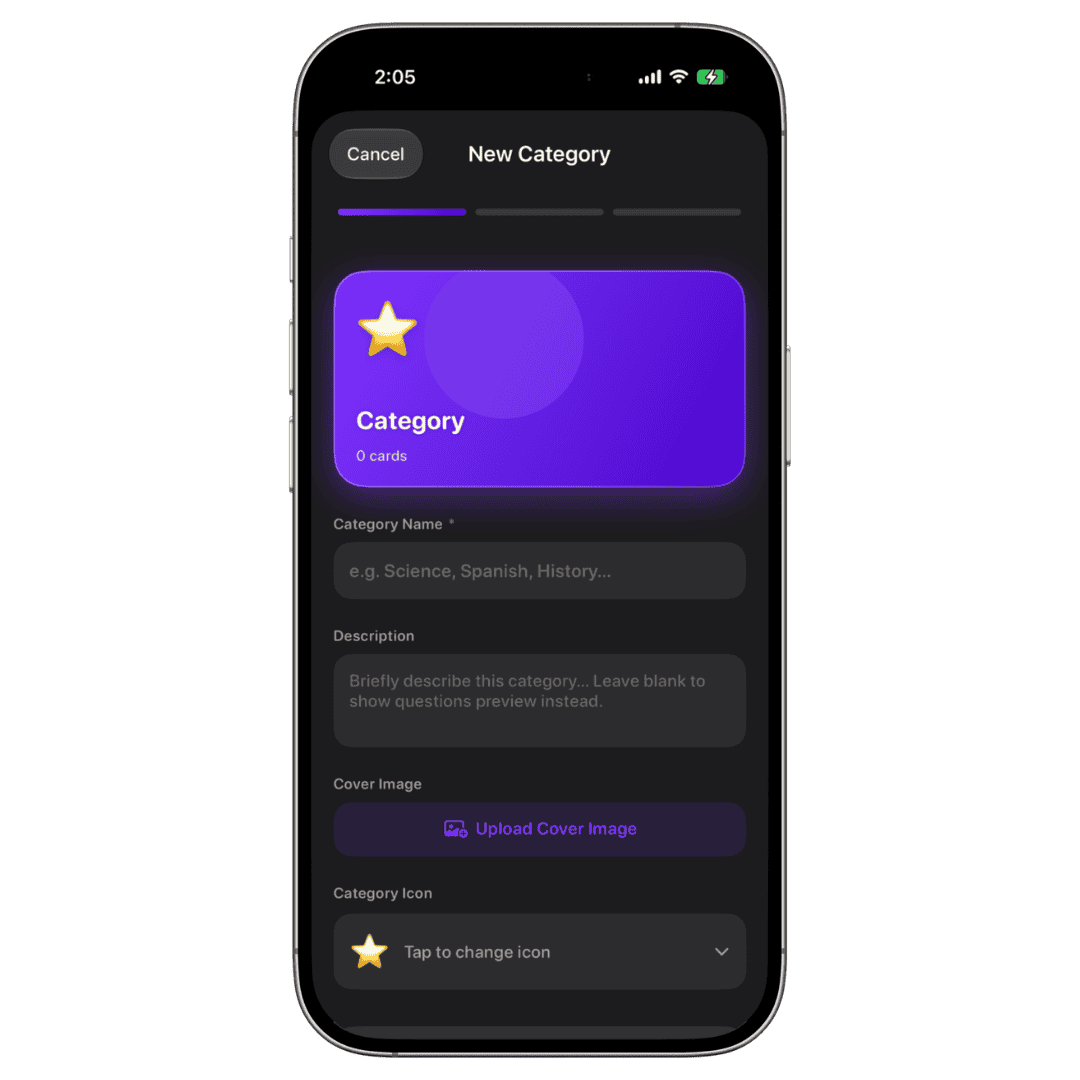
Parents can build custom flashcard categories in minutes.
Create new topics, write your own prompts, choose a color style, upload a cover image, and personalize learning around schoolwork, routines, or special interests.
- Custom covers and icons
- Add your own questions and answers
- Tailor decks to your child
Progress
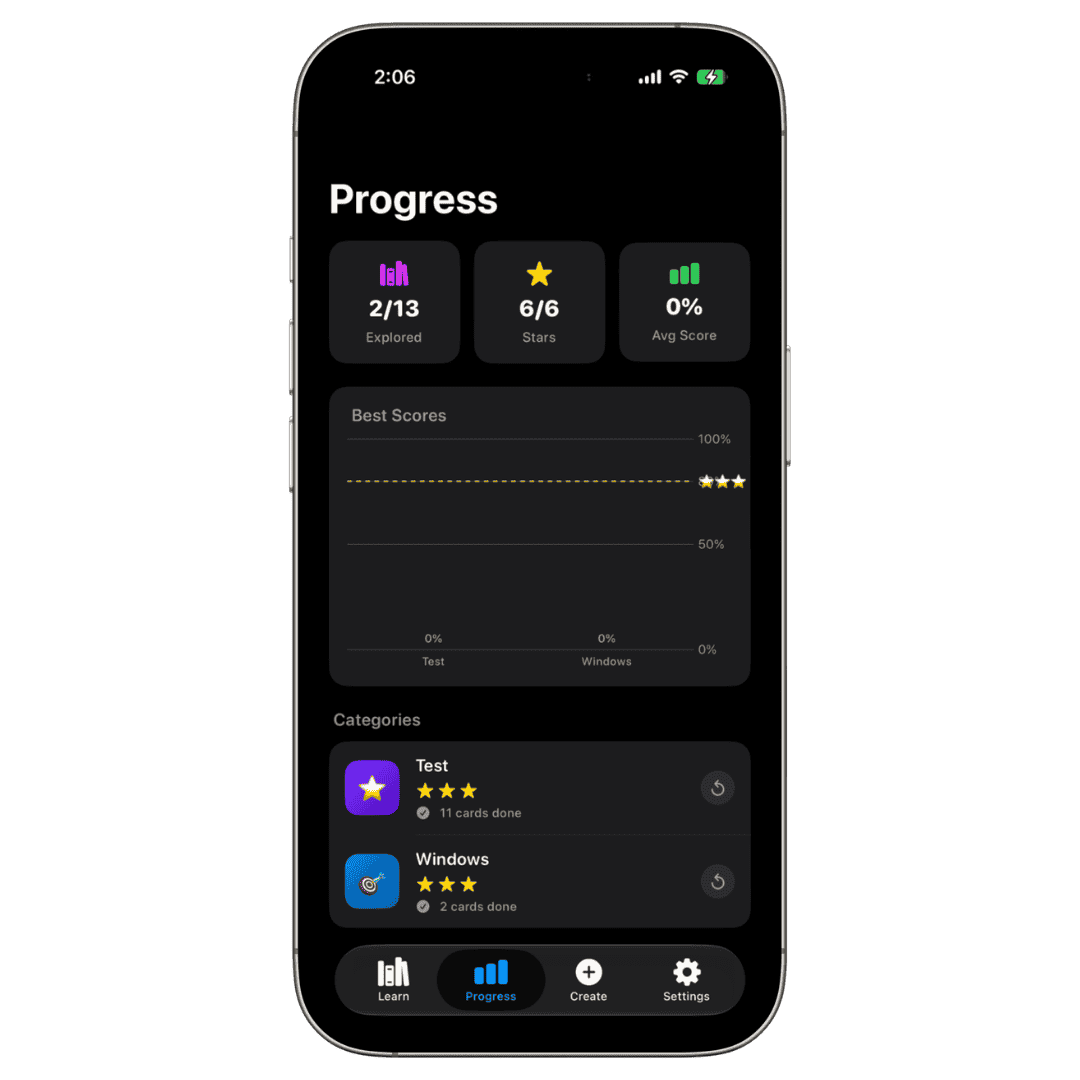
Encouraging feedback that shows growth without pressure.
Stars, explored categories, and best scores help families see progress at a glance. It feels rewarding for kids and useful for parents.
- Three-star motivation
- Best score tracking
- Category-by-category progress
Parent-friendly tools behind the fun.
KidWiz is playful on the surface, but thoughtfully structured underneath. It supports read-aloud learning, picture-led practice, shuffle mode, saved sessions, and adjustable settings.
Read Aloud
Questions can be spoken out loud to support younger learners and listening practice.
Picture Mode
Visual-first practice helps children connect words with recognizable images faster.
Shuffle & Resume
Mix up sessions for variety or continue where your child left off.
Gentle Settings
Choose defaults like hints, reading speed, haptics, and card themes.
How It Works
Three steps from curiosity to confidence.
Pick a category
Start with a built-in topic or open a custom deck made just for your child.
Flip, listen, and learn
Use read-aloud, picture mode, and quick repetition to make learning stick.
Track progress
Celebrate stars, completed cards, and better scores over time.
KidWiz
Colorful learning, thoughtfully designed.
A kids learning app that stays fun for children, useful for parents, and friendly for searchers comparing flashcard apps for early learning.