Quick answer
A good kids flashcard app should show one clear prompt at a time, read words aloud, support picture-based learning, save progress, and let parents create custom decks. That mix works well for toddlers, preschoolers, and early learners because the child can focus on one idea instead of a crowded lesson.
Best flashcard app features for kids
- Large pictures and readable cards.
- Read-aloud support for children who are still learning word sounds.
- Picture mode for early vocabulary and object recognition.
- Custom decks for school words, home routines, and favorite interests.
- Offline-friendly practice for travel, waiting rooms, and quiet time.
- Simple progress feedback that encourages repetition without pressure.
Choose topics your child already likes
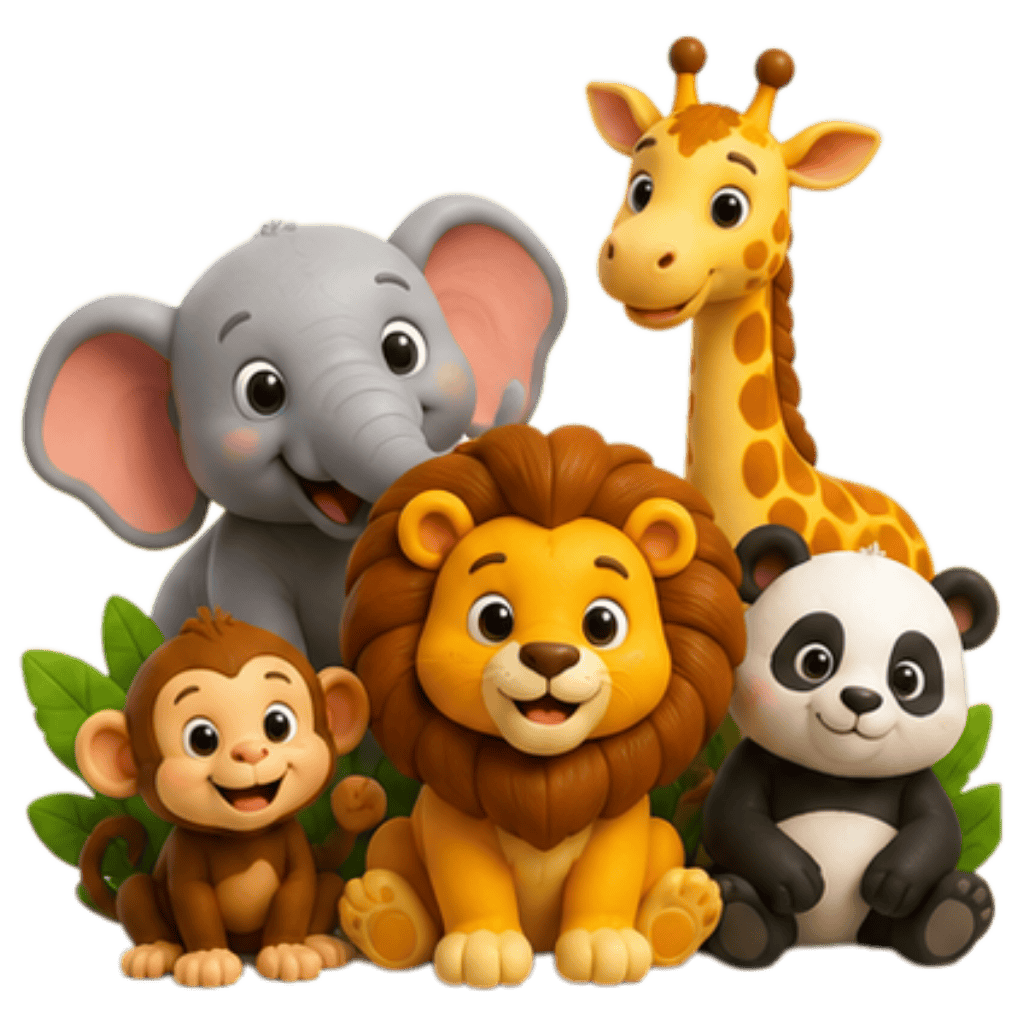
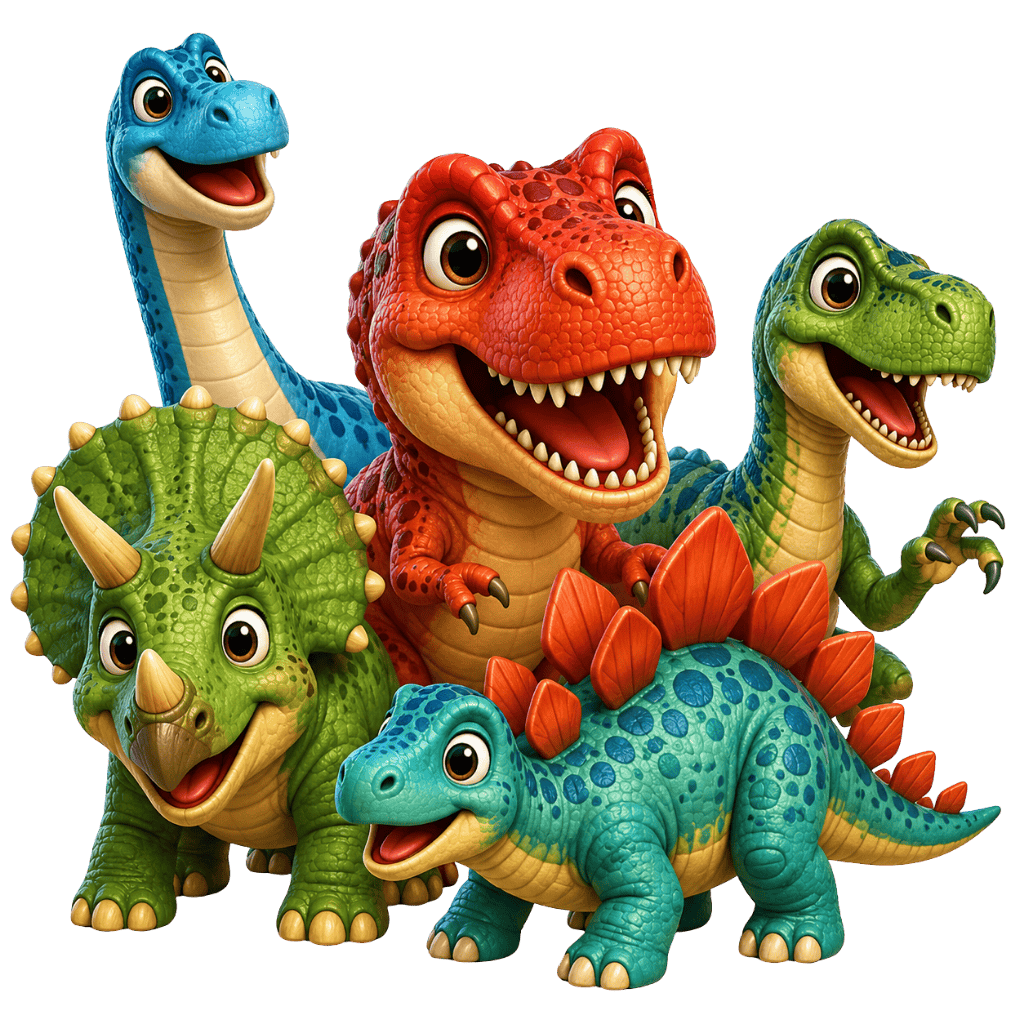
Animals, dinosaurs, vehicles, numbers, colors, body parts, fruits, and flags give children a reason to come back. Interest makes repeated flashcard practice easier.
Digital flashcards vs printed cards
Printed cards are tactile and simple. A flashcard app adds audio, quick repeats, custom pictures, progress tracking, and flexible categories. Many families use both: printed cards for table play and an app for travel, bedtime review, or parent-created vocabulary.
How KidWiz fits
KidWiz combines colorful built-in categories, custom flashcards, picture mode, read-aloud prompts, saved sessions, offline-friendly practice, and progress stars. Parents can start with animal flash cards or number cards, then build personal decks for letters, routines, school words, or favorite topics.
Best next step
Start with one familiar category and keep the first session short. Five minutes of focused practice is often better than twenty minutes of pushing through tired attention. Add new cards only after the child is comfortable with the first small deck.
FAQ
What is the best flashcard app for kids?
The best flashcard app for kids is one that is visual, simple, parent-guided, and easy to repeat. Look for pictures, audio, custom decks, and short practice flow.
Are digital flashcards good for kids?
Digital flashcards can be useful when they keep the session calm and focused. They work best when parents use them for short, repeated practice instead of long drills.
Can kids use flashcard apps offline?
Offline support is helpful for families who practice during travel, waiting rooms, or low-connectivity routines. KidWiz is designed around saved flashcard practice and family routines.
Practice with KidWiz
Download KidWiz on the App Store and start using colorful picture flashcards, read-aloud prompts, and custom decks with your child.